1. Log Into Your Google Account

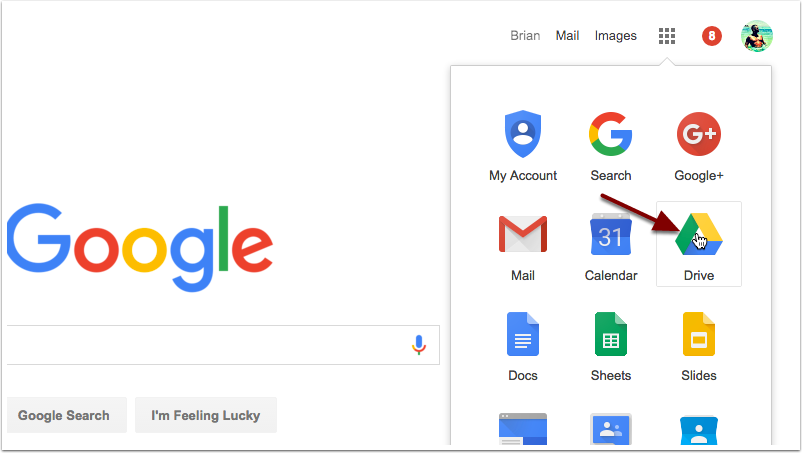
2. Open Google Drive
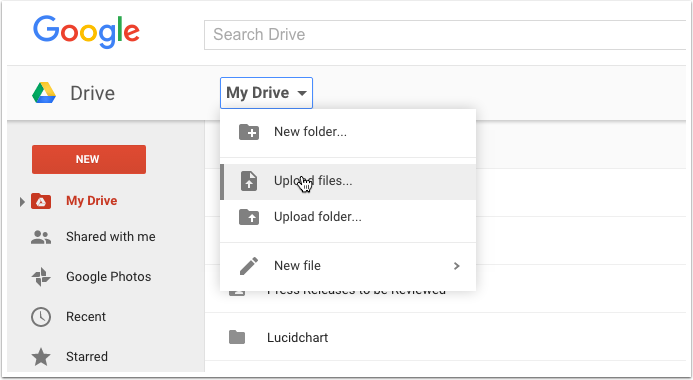
3. Click On "My Drive", Then Upload Files
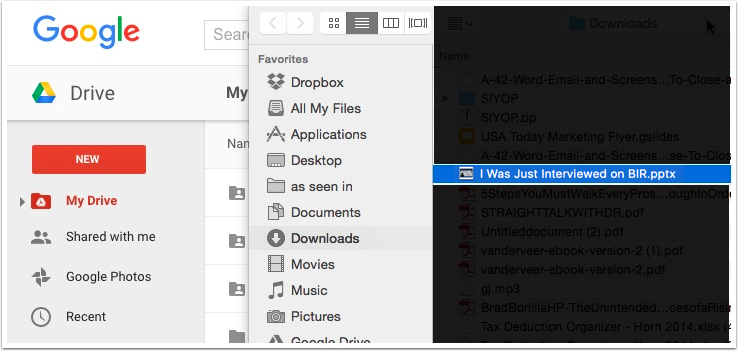
4. Select the I Was Just Interviewed File
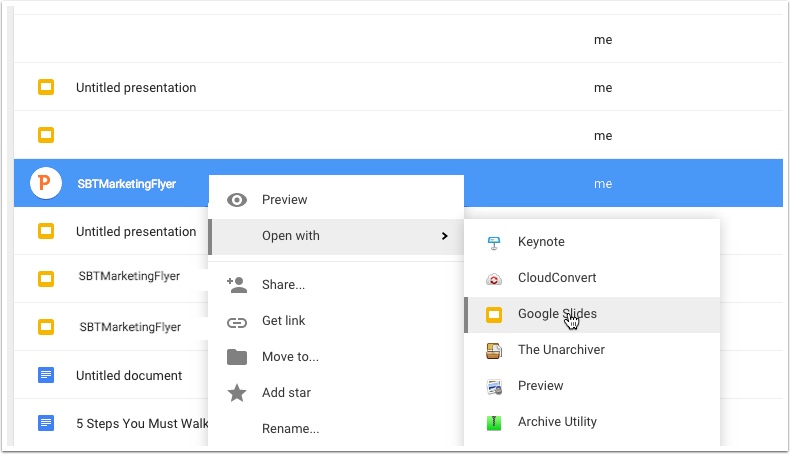
5. Open with Google Slides
Right click on SBT Marketing Flyer file you just uploaded. Then click "Open with" and select Google Slides.
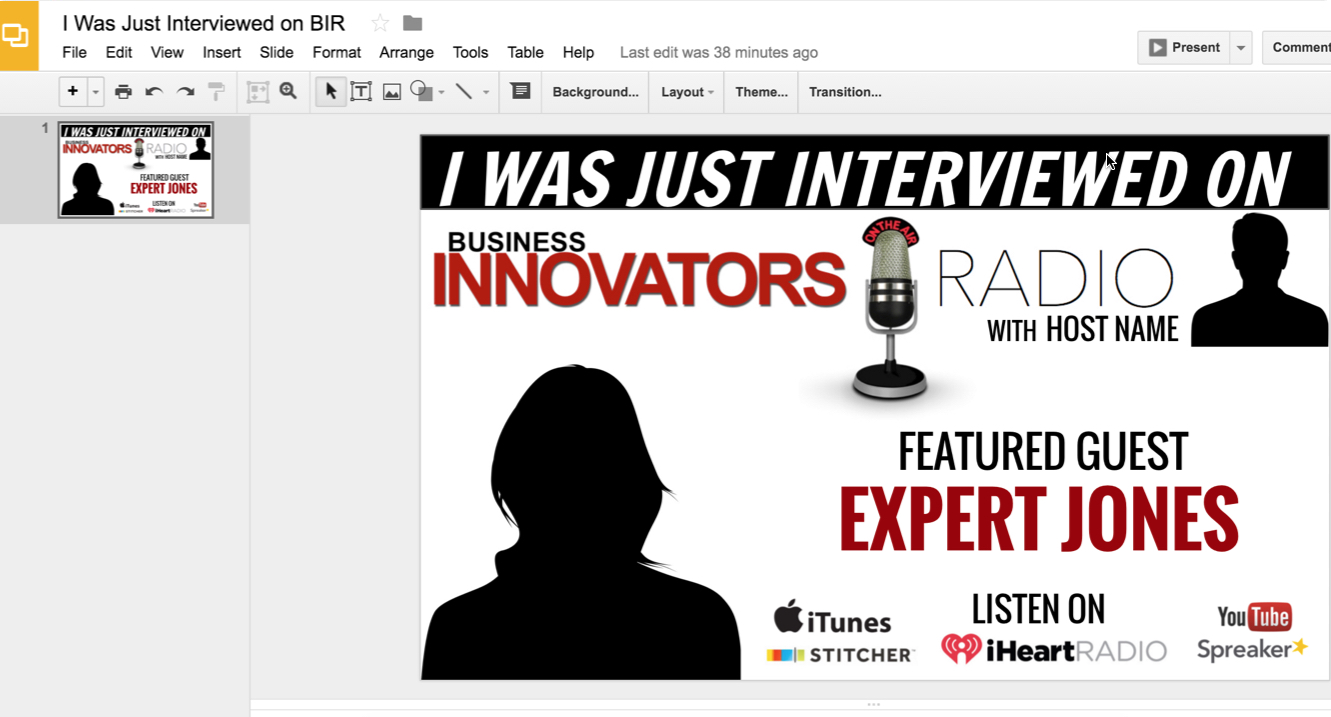
6. Edit Image As You Need
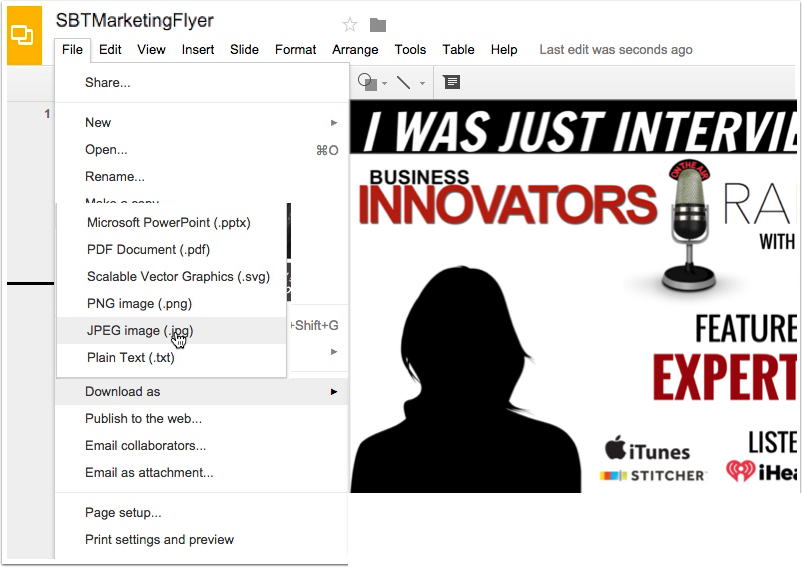
7. Download as JPG for Printing