Training Overview:
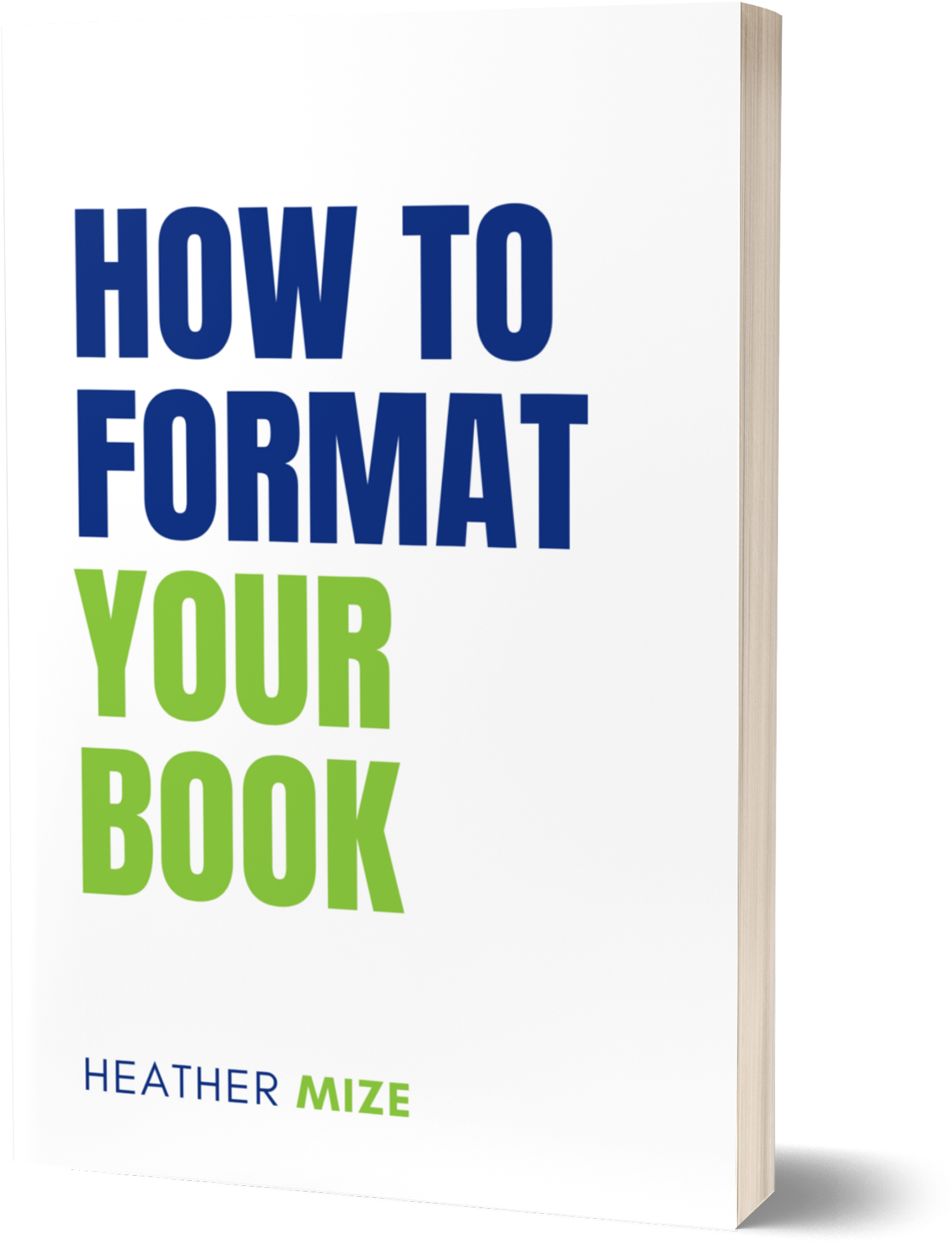
When publishing a print or eBook on Amazon KDP and other sites, ensure it is properly formatted. Some of the most useful features in Microsoft Word for book formatting include:
Page Layout
Set margins, page (trim) size, page orientation, vertical alignment, page borders, header/footer, and sections
Styles
Allows you to quickly and consistently format text, such as headings and body text.
Paragraph Formatting
Enables you to control line spacing, indentation, text alignment, tabs, and pagination.
Tables
Create and format tables for organizing and presenting information.
Section Breaks
Allows you to apply different formatting to different sections of your document, such as headers/footers, page numbering, margins, or page orientation.
Table of Contents
Quickly generate a table of contents based on the headings or styles in your document.
Headers and Footers
Insert and format information that appears in the header or footer of each page, such as page numbers, book titles, or author names.