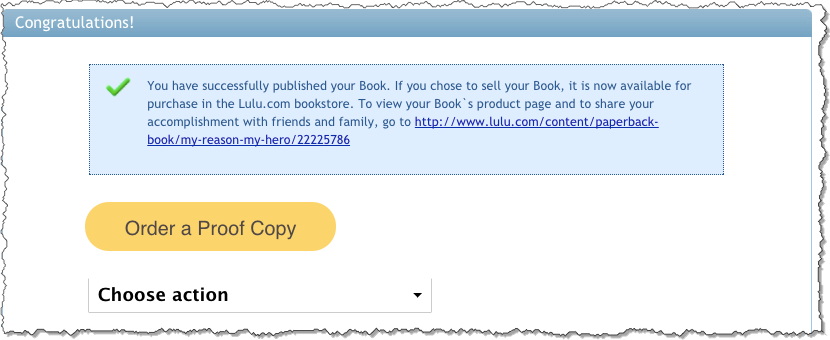
Immediately after you publish your book, you will be taken to a screen to order proof copies.
1. You will see a message that your book has successfully been published
2. The direct access link will be listed
3. Click Order a Proof Copy
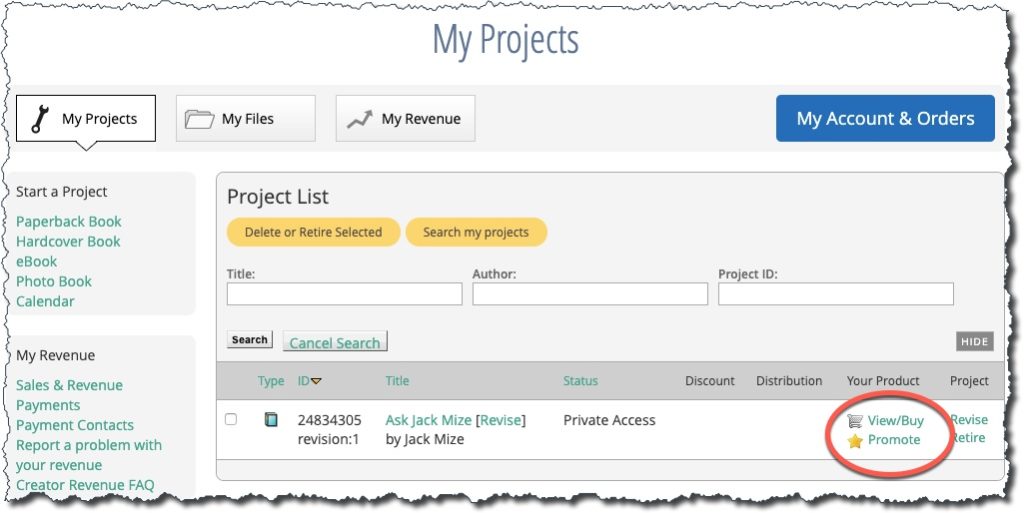
Or you can return to your “My Projects” dashboard at any time and select the View/Buy link next to the title you want to order.
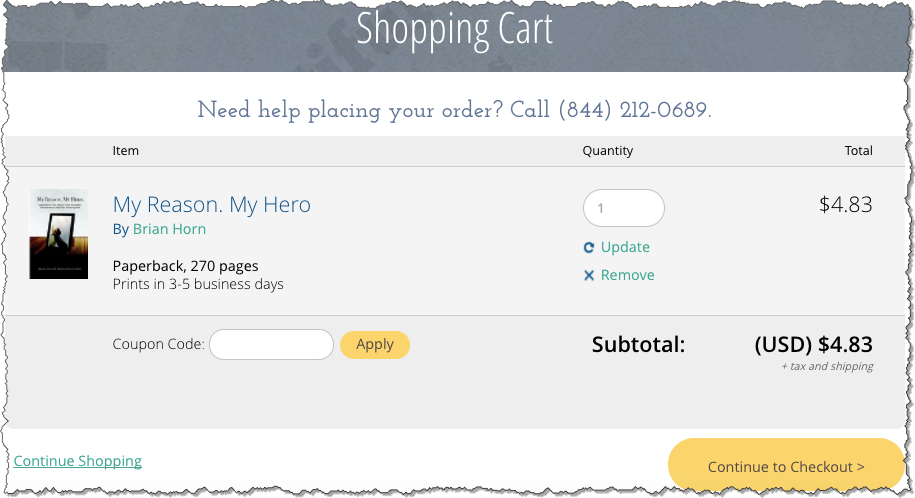
Shopping Cart
1. Enter the Quantity you want to order
2. Click Update
3. Click Continue to Checkout
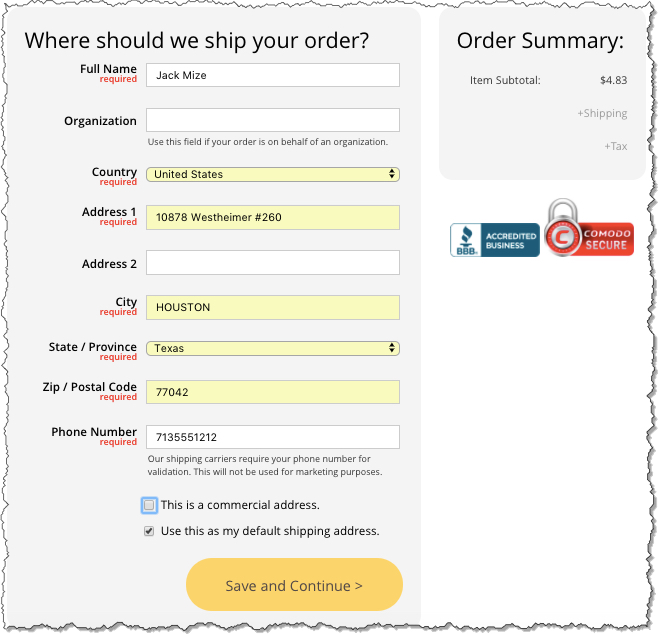
Shipping Address
1. Enter the shipping address information
2. Click Save and Continue
Delivery Options
1. Choose the Delivery Speed
2. Click Save and Continue
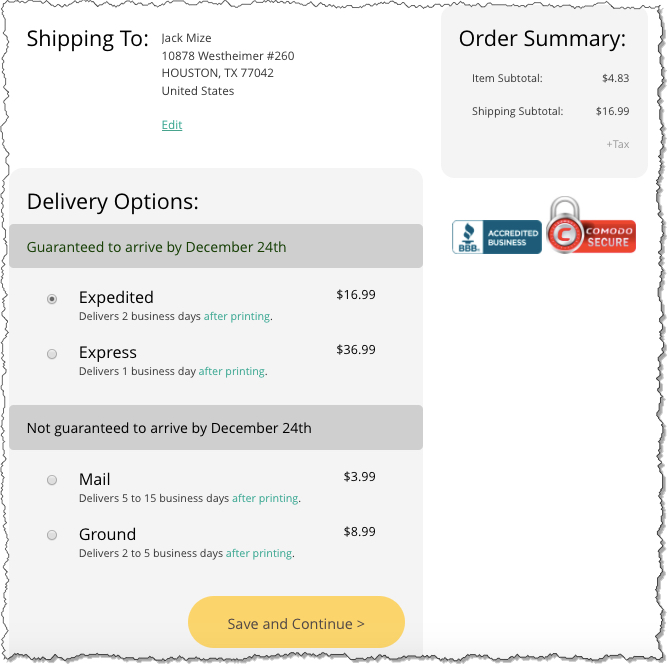
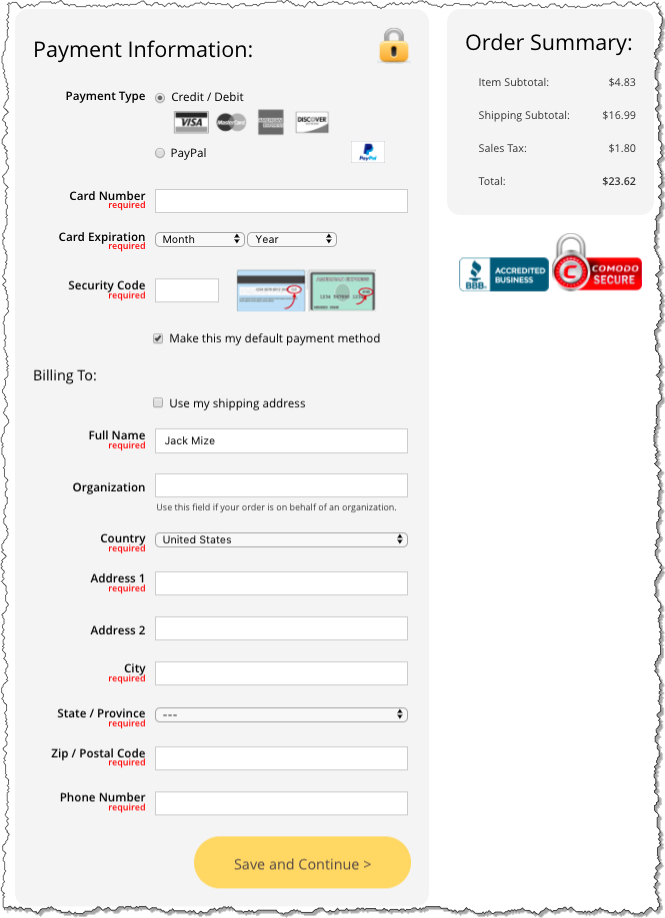
Payment Information
1. Enter the Payment Type and Information
2. Enter the Billing Address
3. Click Save and Continue
You will receive an email from Lulu with a summary of your order details.