Paperback Rights & Pricing
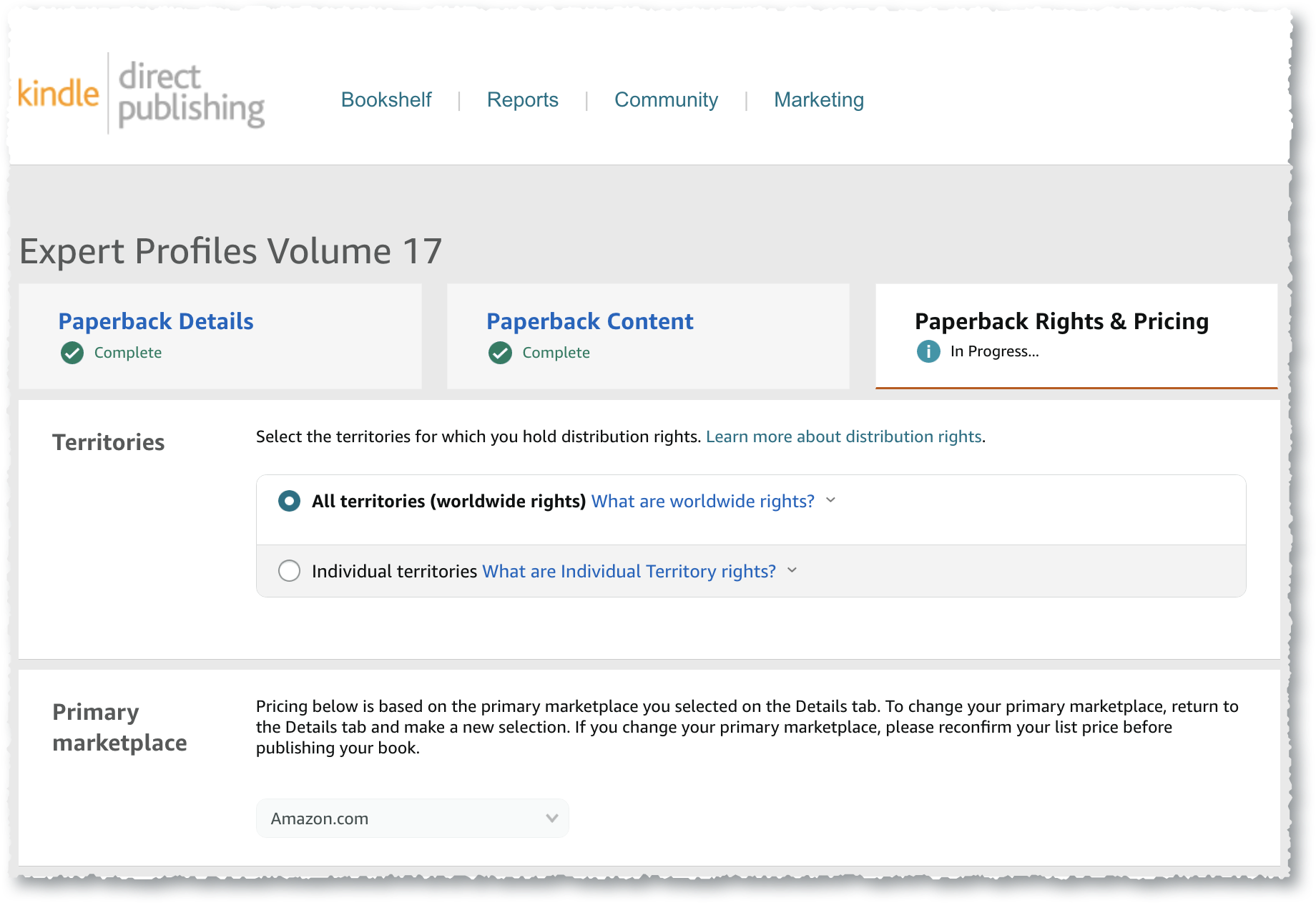
Territories & Primary Market Place
| Territories | Choose All Territories Worldwide. |
| Primary Market Place | Choose a market from the drop-down list. |
Pricing, Royalty & Distribution
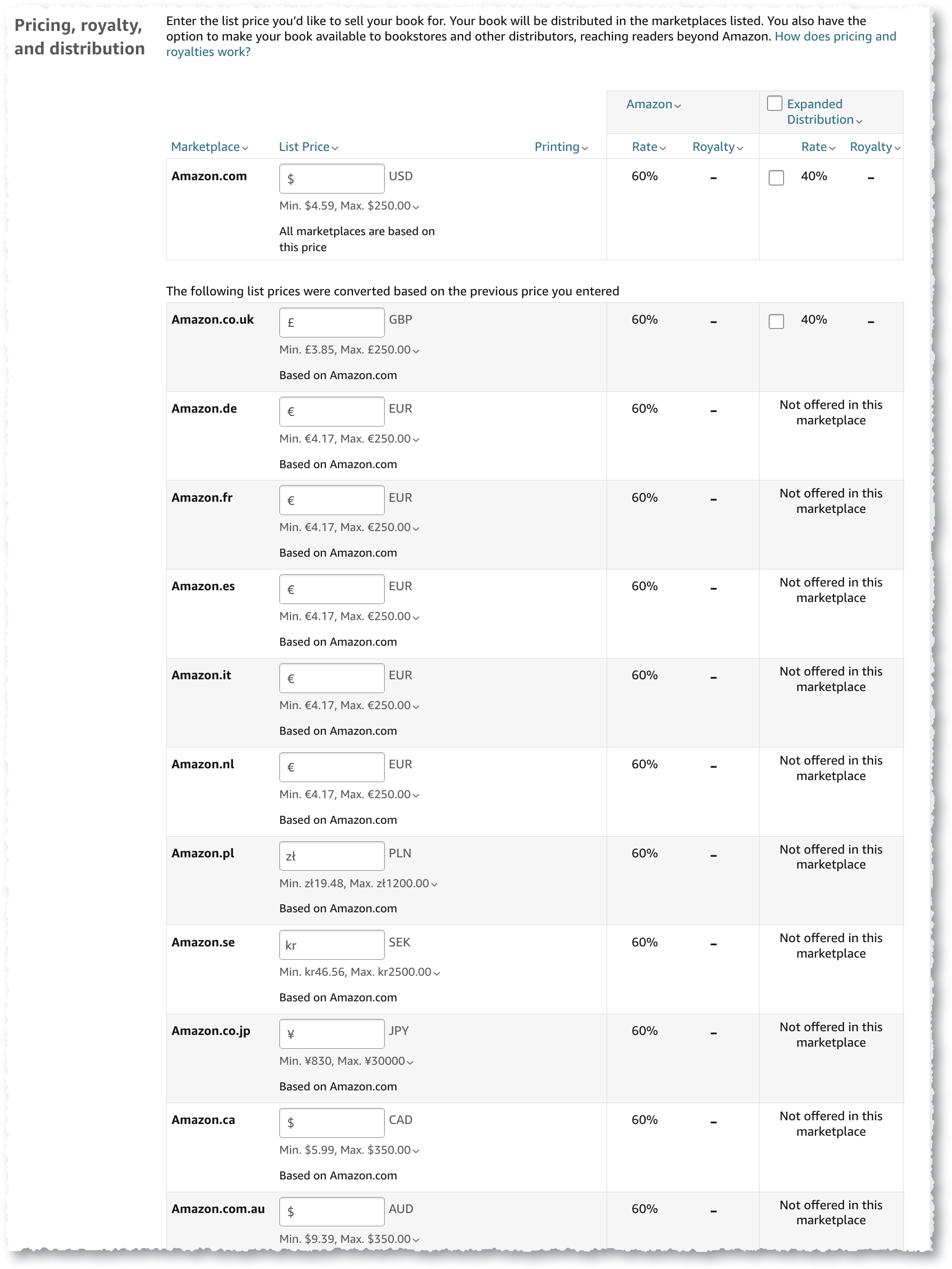
This screen will be blank until you enter your list price. Also, check the box for Expanded Distribution.
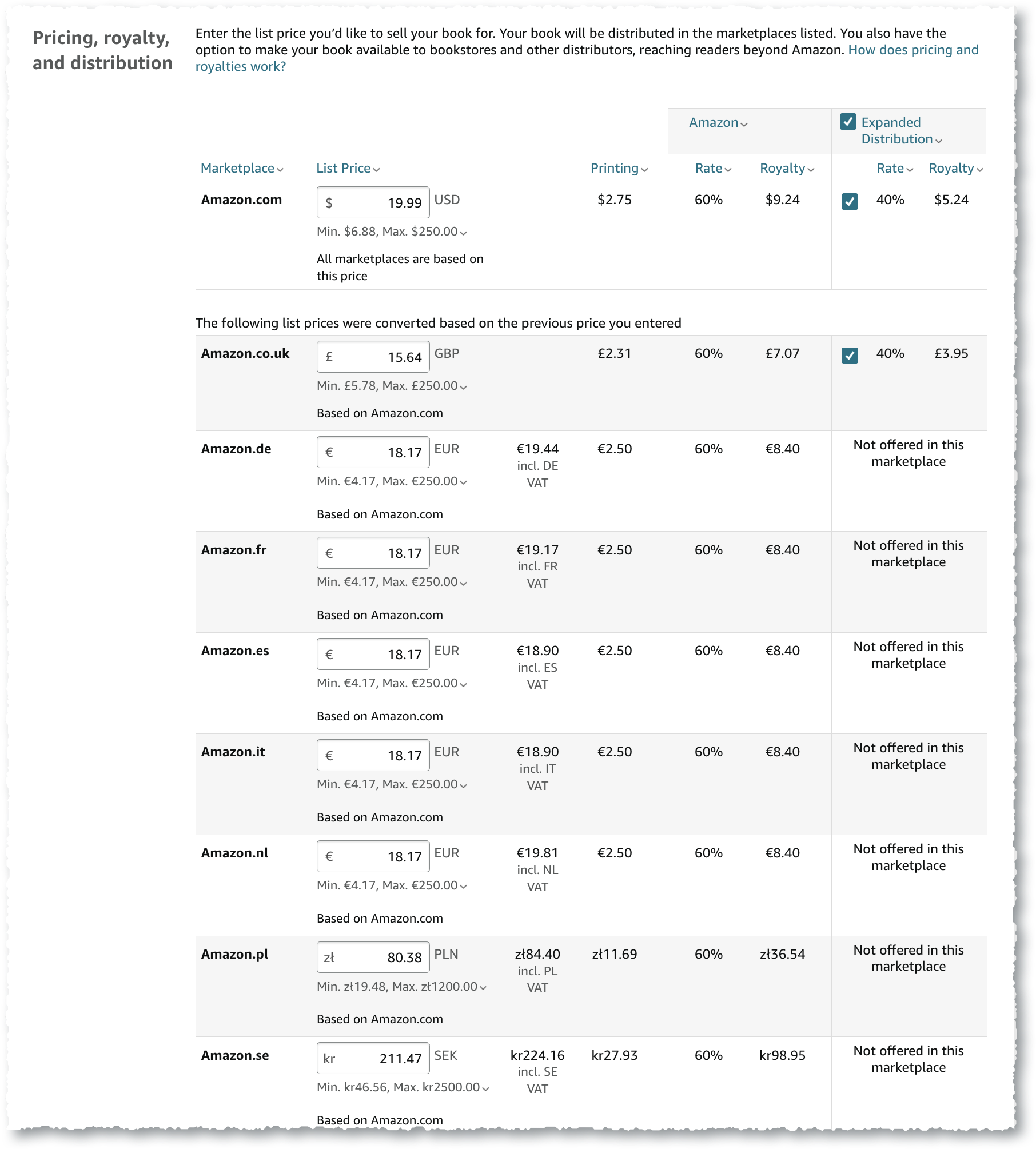
KDP will fill in the list prices for other locations.
It’s a good idea to order a proof before publishing to ensure the interior and cover print as expected.
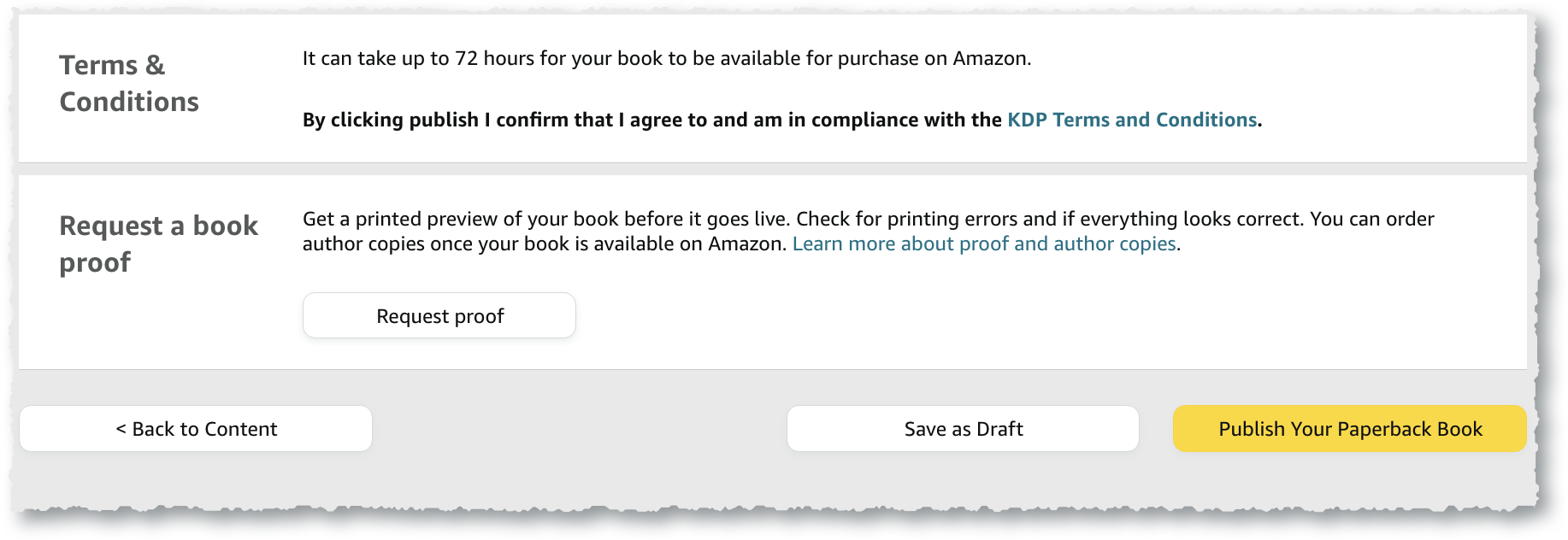
After you choose, “Publish Your Paperback Book,” you will see a dialog box similar to the following.
KDP will notify you when your book is available in the Amazon store.