Content
Manuscript
| Upload eBook Content | Upload a KPF, EPUB, or docx file containing the interior content for your Kindle eBook |
| Digital Rights Management | DRM is intended to inhibit unauthorized distribution of the Kindle file. Some authors encourage readers to share their work and do not apply DRM. If you choose DRM, customers can lend the book to another user for a short period and can purchase the book as a gift for another user from the Kindle store. Important: Once you publish your book, you cannot change its DRM setting. |

Kindle eBook Cover
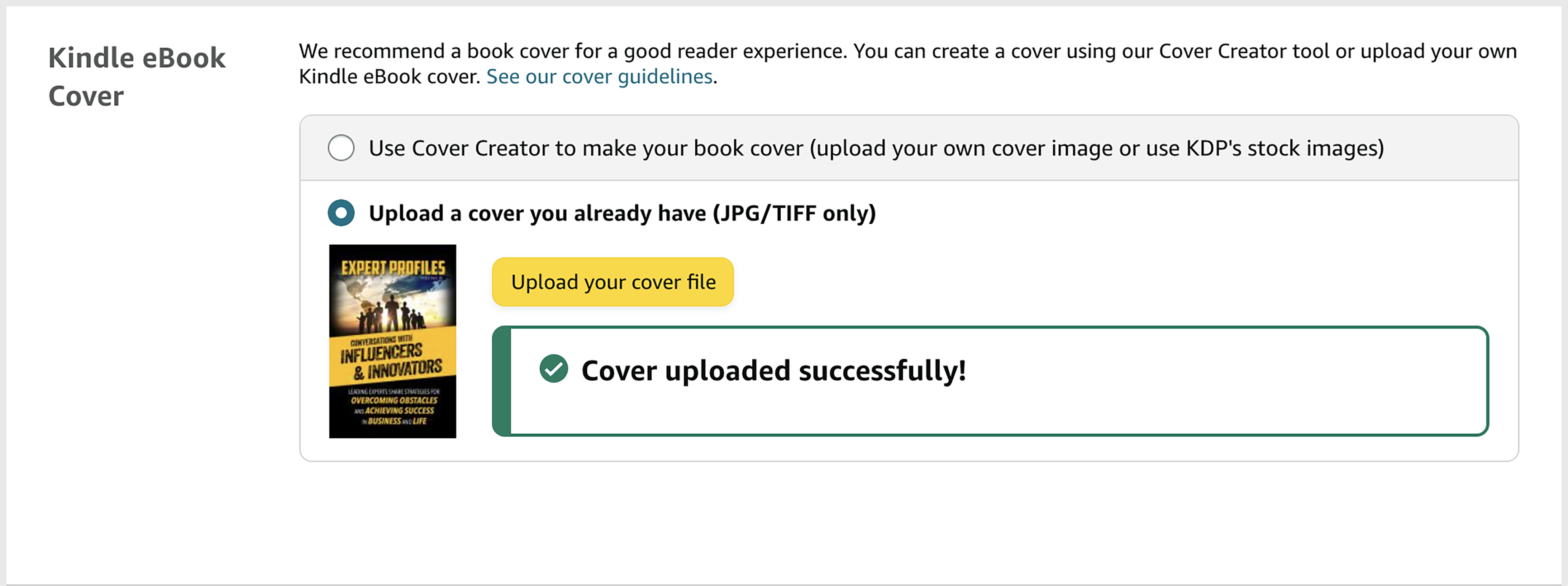
| Upload | Upload a .jpg or .tiff file |
Kindle eBook Preview
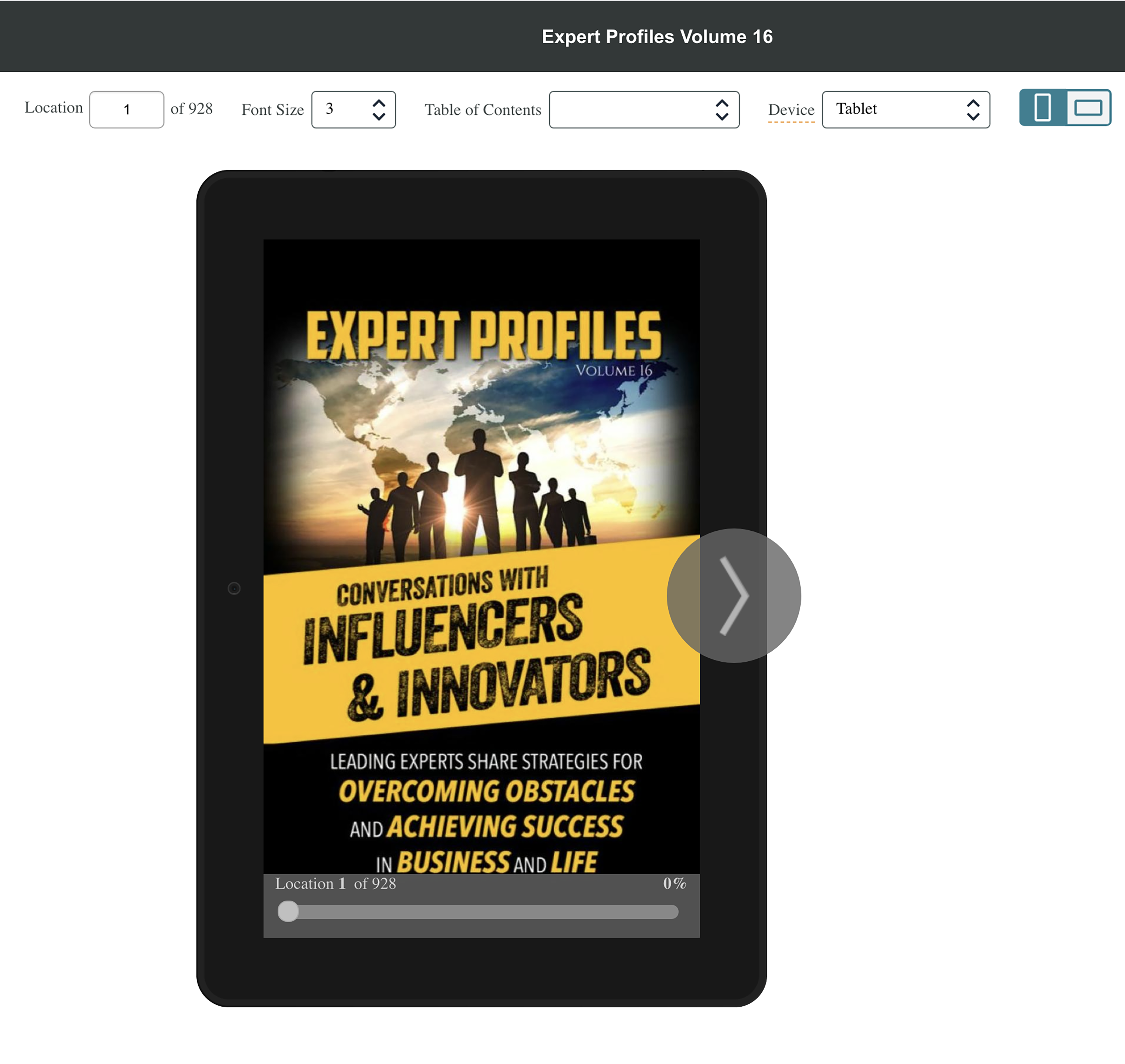
| Online Preview and Quality Check | Once you upload your interior and cover files, you will have the option to preview your book online to check for quality issues and see how it appears on Kindle and mobile devices. Hover over the book until you see the arrows to scroll to a new screen. |
Kindle eBook ISBN
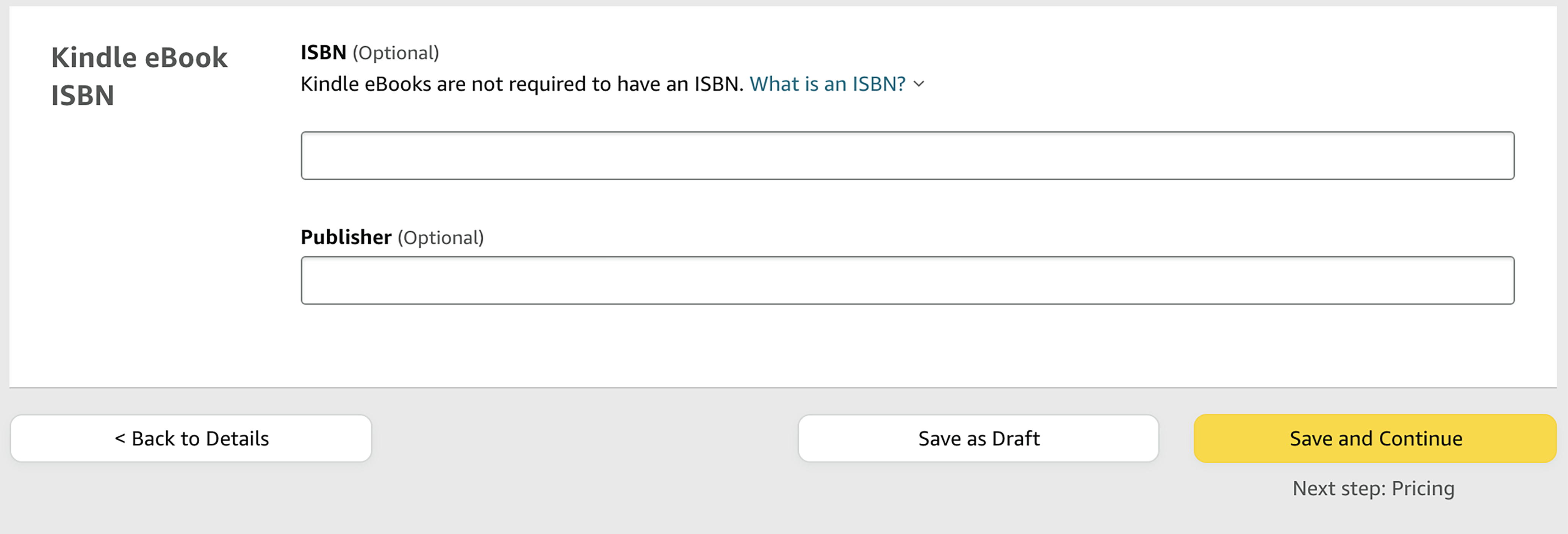
| ISBN | Kindle eBooks are not required to have an ISBN. |
| Publisher | Optional |
| Save & Continue | Move to the Pricing & Publishing Screen |